By using this site, you agree to the Privacy Policy and Terms of Use.
Accept
GeekBitzGeekBitzGeekBitz
  • Tech
  • Printers
  • Gift Ideas
  • Lifestyle
    • Personal Development
  • Make Money
  • Pages
    • Contact
    • Privacy Policy
    • Terms of Use
Search
  • Contact
  • Blog
  • Privacy Policy
  • Terms of Use
© 2025 GeekBitz.com . All Rights Reserved.
Reading: 23.6″ MSI OPTIX MAG241C Curved Gaming Monitor: Gamers Love It?
Share
Sign In
Notification Show More
Font ResizerAa
GeekBitzGeekBitz
Font ResizerAa
  • Tech
  • Printers
  • Gift Ideas
  • Lifestyle
  • Make Money
Search
  • Home
  • Categories
    • Tech
    • Entertainment
    • Lifestyle
    • Shopping
  • Bookmarks
  • More GeekBitz
    • Sitemap
Have an existing account? Sign In
Follow US
  • Contact
  • Blog
  • Privacy Policy
  • Terms of Use
© 2025 GeekBtz.com | All Rights Reserved.
GeekBitz > Tech > 23.6″ MSI OPTIX MAG241C Curved Gaming Monitor: Gamers Love It?
Tech

23.6″ MSI OPTIX MAG241C Curved Gaming Monitor: Gamers Love It?

Brian
Last updated: May 15, 2026 3:17 am
Brian
Share
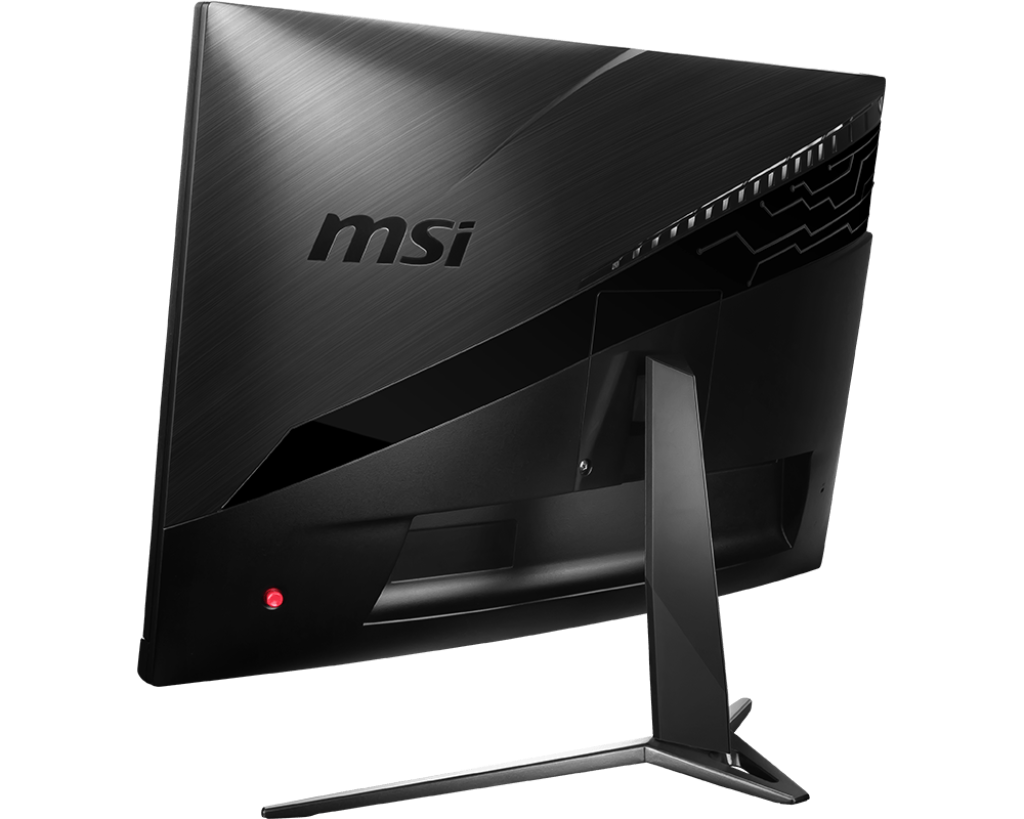
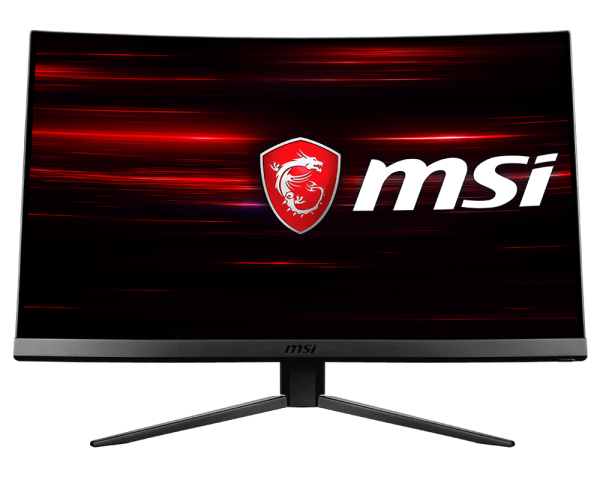
MSI OPTIX MAG241C 23.6" 16:9 Curved Gaming Monitor
SHARE

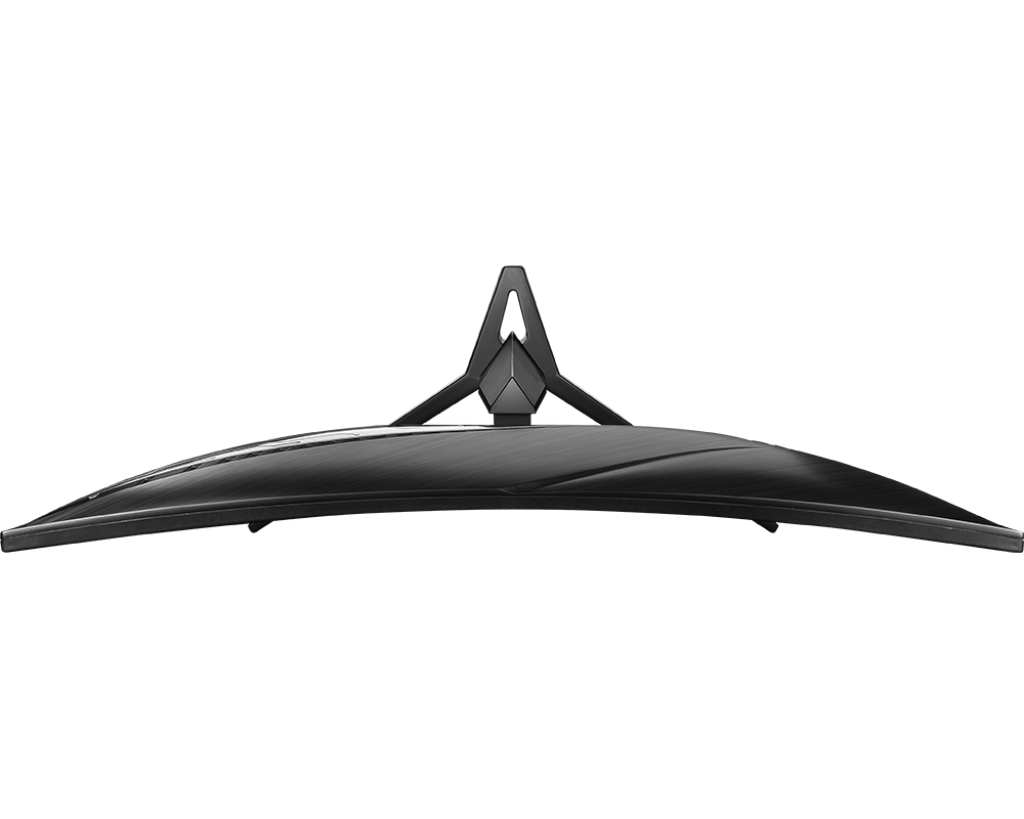
The MSI OPTIX MAG241C 23.6″ 16:9 Curved Gaming Monitor has a 1500R curved Full HD panel with a 144 Hz refresh rate and FreeSync technology for an immersive gaming experience. This 1920 x 1080 resolution display has a 3000:1 contrast ratio, a 300 cd/m2 brightness rating, a 1 ms response time, and support for up to 16.7 million colors. It is surrounded by a nearly frameless bezel.

Contents
23.6″ MSI OPTIX MAG241C FeaturesCurved GamingHigh Refresh Rate at 144 Hz1 ms fast response timeGaming OSD AppHeadset HangerFrameless DesignFreeSync TechnologyAnti-Flicker Technology23.6″ MSI OPTIX MAG241C Specs

The HDMI and DisplayPort inputs make setup simple, and the USB hub enables you to directly connect USB-compatible peripherals to the display. Once set up, gamers can take advantage of the Gaming OSD App, and a hanger for your headset that is included keeps it handy between sessions. For the best viewing comfort, this monitor also has a 5-way OSD navigation joystick and can be tilted from -5 to 20 degrees.
23.6″ MSI OPTIX MAG241C Features

Curved Gaming

With the 1500R frame rate, which is appropriate for gamers to play their games, you can see more of your game.

High Refresh Rate at 144 Hz

Experience smooth gaming with a fast 144 Hz refresh rate that gives you the upper hand in fast-moving games.

1 ms fast response time

With a 1 ms response time, screen tearing and jerky frame rates are eliminated.

Gaming OSD App

You can easily adjust and customize the best monitor modes using the keyboard and mouse.

Headset Hanger

The built-in headset hanger allows you to keep your headset in a convenient location.

Frameless Design

You won’t even notice the monitor in the heat of the moment thanks to the thin bezel.

FreeSync Technology

The use of AMD FreeSync will produce incredibly smooth and lag-free gameplay by preventing screen tearing or stuttering.

Anti-Flicker Technology

By minimizing screen flicker, MSI Anti-Flicker technology offers a very comfortable viewing experience.

23.6″ MSI OPTIX MAG241C Specs

Display
Size23.6″
Screen Area20.53 x 11.55″ / 521.4 x 293.28 mm
Panel TypeVA LCD
Curvature1500R
TouchscreenNo
Resolution1920 x 1080
Aspect Ratio16:9
Pixels Per Inch (ppi)93 ppi
FinishMatte
Maximum Brightness300 cd/m2
Contrast Ratio3000:1
Dynamic Contrast Ratio100,000,000:1
Refresh Rate144 Hz
Variable Refresh TechnologyFreeSync
Bit Depth / Color Support6-Bit+FRC (16.7 Million Colors)
HDR CompatibilityNone
Color Gamut115% sRGB90% DCI-P3
Response Time1 ms
Viewing AngleHorizontal: 178°Vertical: 178°
Dot Pitch0.27156 x 0.27156 mm
Inputs / Outputs
Inputs/Outputs1 x DisplayPort Input2 x HDMI 1.4 Input2 x USB Type-A (USB 2.0) Output1 x USB Type-B (USB 2.0) Input1 x 3.5 mm Output
Built-In SpeakersNone
Power
AC Input Power100 to 240 VAC, 50 / 60 Hz
Power Adapter TypeInternal
Physical
Height AdjustmentNone
Rotation AdjustmentNone
Swivel AdjustmentNone
Tilt Adjustment-5 to 20°
Mounting-Hole Pattern100 x 100 mm
Lock SlotYes, Kensington
Dimensions (W x H x D)21.1 x 16.2 x 8.9″ / 536.4 x 411.5 x 225.2 mm
Weight9.26 lb / 4.2 kg

Read: 27″ Acer Predator XB273K; Best Monitor Of All Time?

You Might Also Like

How to Type the Infinity Symbol (∞) on Android
How to Make a Cent Symbol (¢) On Android
How to cancel Whop subscription?
Kittl vs Midjourney: Which AI Art Generator is Better in 2026?
5 Best Cordless Strimmers to tidy up your lawn in 2026

Latest Tech News

How to Reset Ninebot Scooter: A Step-by-Step Guide
Scooters
How to Type ½ on Mobile Keyboard
Tech
How to Reset Unagi Scooter
How to Reset Unagi Scooter: A Step-by-Step Guide
Scooters
How To Make Hiboy S2 Faster in 5 Steps
Scooters
Share This Article
Facebook Copy Link Print
Share
ByBrian
Hello, I’m Brian. I’m a creator, designer, and the owner of the GeekBitz blog. I have a Computer Science background and taught myself digital marketing to fund my artistic pursuits. Now am addicted to developing products and building partnerships.
Previous Article Best CNC Router in 2026: Top Picks for Every Budget
Next Article Best Action Camera 4k+ In 2023: The Ultimate Guide 7 Best Action Camera 4k+ In 2026: The Ultimate Guide
Leave a Comment

Leave a Reply Cancel reply

Your email address will not be published. Required fields are marked *

Latest News

9 Best Online Proofreading Jobs for Beginners (Earn $50/hr)
Make Money
40 Best Gifts for Tween Girls That blend fun with function
Gift Ideas
20 Best Gifts for 11-Year-Old Girls that Inspire Their Passions
Gift Ideas
20 Best Gifts for 8-Year-Old Boys to Encourage STEM Skills and Creativity
Gift Ideas

You Might also Like

Scooters

Why Is Segway Ninebot not Charging? ( 7 Causes and Fixes )

17 Min Read
Koala AI writer Review
Tech

Koala AI Writer Review: A Comprehensive Look at Its Features and Performance

12 Min Read
Wifi

Eero Wired Connection Not Working? Here’s Your Step-by-Step Fix (2026)

14 Min Read
Fujifilm Instax Mini 12 Not Working: Issues and Solutions
Tech

Fujifilm Instax Mini 12 Not Working: Issues and Solutions

7 Min Read
Show More
// GeekBitz
GeekBitzGeekBitz
Follow US
© 2026 GeekBitz. All Rights Reserved.
  • Tech
  • Printers
  • Gift Ideas
  • Lifestyle
  • Make Money
  • Pages
Welcome Back!

Sign in to your account

Username or Email Address
Password

Lost your password?